NetherSX2 on Android Handhelds and Tablets: Big-Screen PS2 Guide
Use NetherSX2 on Android gaming handhelds and tablets with setup advice for larger screens, controls, upscaling, and turning a tablet into a PS2 console.
NetherSX2 on Android Handhelds and Tablets: Big-Screen PS2 Guide
NetherSX2 is usually discussed as a phone app, but some of its best homes are Android gaming handhelds and tablets, where bigger screens, real controls, and console-style play change what the emulator feels like.
This guide covers setting up for those devices: how the larger canvas changes graphics decisions, how built-in controls change settings priorities, and how a tablet becomes a small PS2 console for the television. The NetherSX2 APK Download for Android PS2 Emulator page carries the download package and full app details.
Why Handhelds Suit Emulation
Dedicated Android handhelds bring physical controls, active or generous cooling for their class, and shapes designed for hours of play. The emulator stops negotiating with phone compromises and starts behaving like a console.
The control advantage is the headline: real sticks and buttons restore the DualShock's intent in a way no overlay can fully imitate, especially in action-heavy titles.
Upscaling on Bigger Screens
Larger displays reveal what phone screens forgive, so internal resolution deserves a step more ambition on handhelds and tablets, balanced against their chips, which are not always stronger than phones.
Test the heaviest scene as always. The rule does not change with the furniture: the highest stable level wins, and big screens simply raise the prize for stability.
- NetherSX2 Graphics Upscaling Guide
- /blog/nethersx2-graphics-upscaling-guide/
Aspect Ratios on Unusual Screens
Handhelds and tablets come in ratios phones rarely use, including near-4:3 displays that suit PS2 games almost natively. On such a screen, original-ratio presentation stops being a compromise and becomes a feature.
Widescreen patches still earn their place on wide handhelds. Match the presentation to the panel you own rather than to habits imported from your phone. NetherSX2 Widescreen Patches Guide explains this side of the topic in full.
Built-In Controls and Mapping
Physical controls deserve a mapping audit per genre: the default layout serves most games, but fighters, racers, and shooters each have opinions about where actions belong.
Spend the audit once, in the emulator's controller settings, and record per-game exceptions the same way you record renderer choices. Readers can find the full breakdown in NetherSX2 Controller Setup Guide for Bluetooth and USB Gamepads.
Tablets as Consoles: TV Output
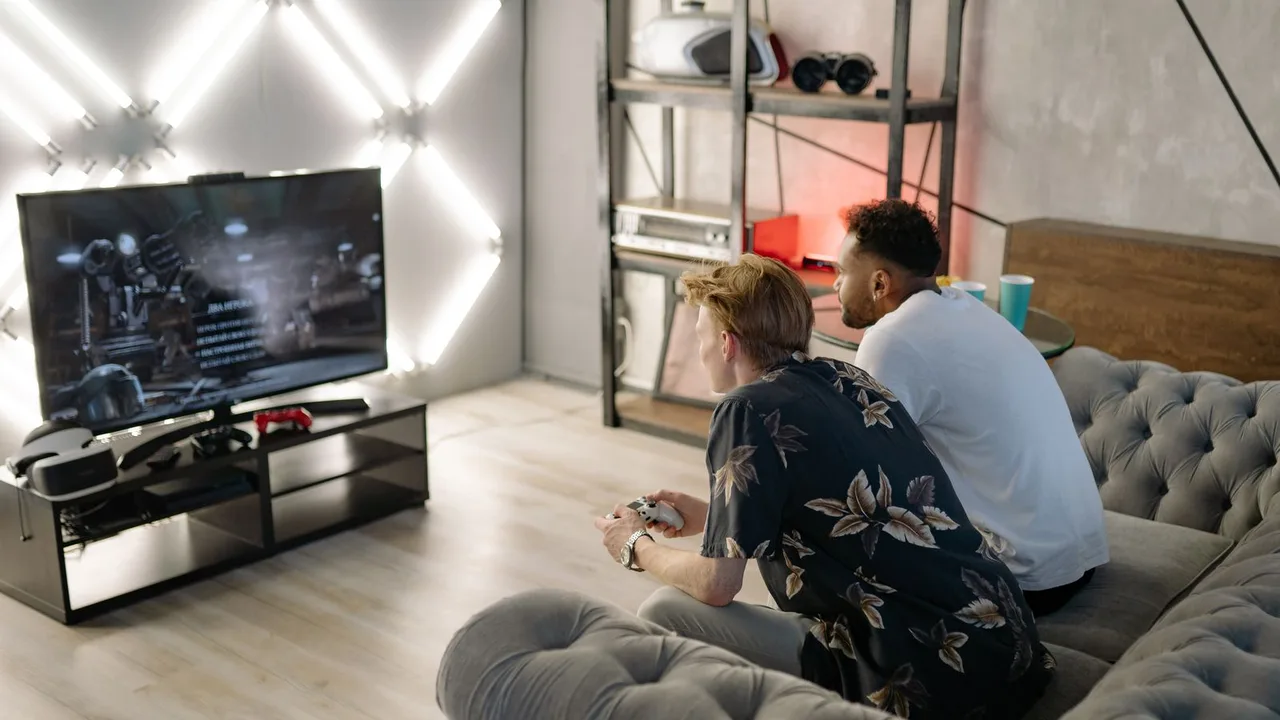
Many tablets and some handhelds can output to a television, which completes the transformation: emulator on the big screen, controller in hand, memory cards underneath, a PS2 reincarnated from parts.
Test output latency and scaling on your television once, in a familiar game. Living-room verdicts about upscaling and presentation should be made on the screen they will actually use.
- Confirm your device supports video output before planning around it
- Pair the controller before launching the game
- Test one familiar game on the TV to judge latency and scaling
- Set upscaling for the big screen, not the tablet's own
Battery and Heat in Long Sessions
Handhelds and tablets carry larger batteries but also larger screens to feed. Session endurance is usually kind, yet sustained upscaling still warms any chassis.
Docked or plugged play for marathon sessions is the console habit worth copying: power anxiety has no place in hour four of an RPG.
Storage for a Real Library
Bigger devices invite bigger libraries, and PS2 images are large. Dedicate storage deliberately: a curated installed library plus an archive elsewhere beats a phone-style sprawl of half-finished downloads.
Keep your legally backed-up game files organised by title with your saves backed up alongside, so the collection survives the device. NetherSX2 Game Files Guide: ISO, CHD, BIN, and Legal Backups covers this in more detail.
Per-Device Profiles
If you play the same library on phone and handheld, expect the bigger device to earn different per-game settings: higher upscaling, different presentation, no touch layout at all.
Keep the libraries' saves synchronised through memory card copies if you move between devices, and let each device keep its own settings opinions. NetherSX2 Save Transfer Guide explains this side of the topic in full.
Choosing Sessions by Device
A natural division emerges for multi-device players: handheld or tablet for long, control-heavy, at-home sessions; phone for short, portable progress in forgiving games.
That division, saves travelling safely between them, is the mature form of an Android emulation hobby: every game meets the device that flatters it.
Conclusion
On handhelds and tablets, NetherSX2 stops being a clever phone trick and becomes a console with a twenty-year back catalogue. Bigger screens raise the value of upscaling, real controls restore the games' intent, and television output completes the impersonation.
Set the device up once with the same per-game discipline you would give a phone, and let session length, not hardware anxiety, decide your evenings. The NetherSX2 APK Download for Android PS2 Emulator page carries the download package and full app details. Readers can find the full breakdown in NetherSX2 Controller Setup Guide for Bluetooth and USB Gamepads and NetherSX2 Graphics Upscaling Guide: Internal Resolution Explained.
Related Guides
NetherSX2 Widescreen Patches Guide: Play PS2 Games in 16:9
Learn how widescreen patches work in NetherSX2 on Android, how to enable 16:9 for supported PS2 games, and what to do when a game has no patch or stretches the image.
NetherSX2 Graphics Upscaling Guide: Internal Resolution Explained
Learn how internal resolution upscaling works in NetherSX2 on Android, what 2x, 3x and higher scaling do to PS2 games, and how to choose a level your phone can hold.
NetherSX2 Vulkan vs OpenGL: Which Renderer Should You Use?
Compare Vulkan and OpenGL renderers in NetherSX2 on Android, learn which suits your phone GPU, and how to test both properly for each PS2 game you play.